Installing Global-e’s New Returns Solution
To install the ReturnGO App
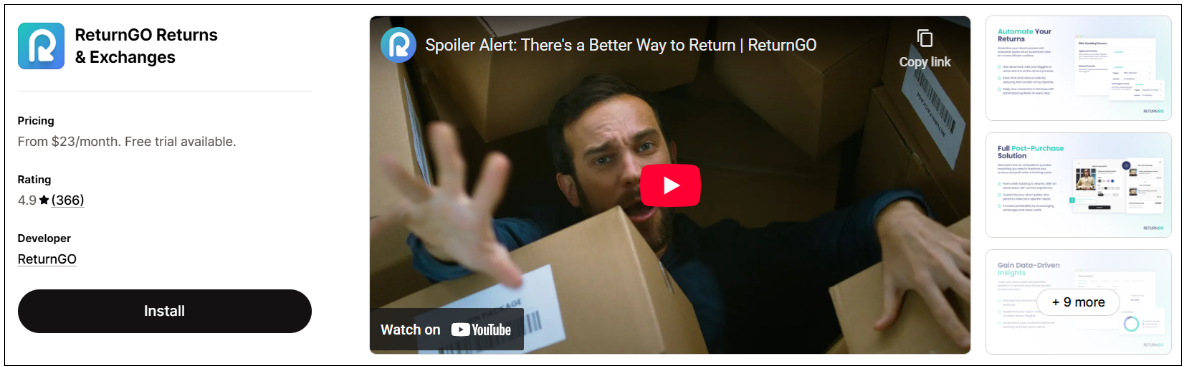
Find the ReturnGO app at the Shopify App Store.
Click Install.
Accept the data permissions confirmation from Shopify.
Once installed, the ReturnGO app is displayed in Shopify Admin > Apps under the Installed Apps section.
Note
Note: Installing the ReturnGO app preserves all your existing Global-e functionalities and does not affect platform behavior.
The new Returns solution goes into effect only on the date of your planned upgrade.