Installation
Install the Global‑e Module
Follow one of the methods below to install the Global-e module for Shopware.
Method 1. Install the module from the server
Install the source code.
Get the installation zip file, GlobalEShopware6-x.x.x.zip, from Global-e.
Extract the zip file to custom/plugins/directory.
Enable the Plugin.
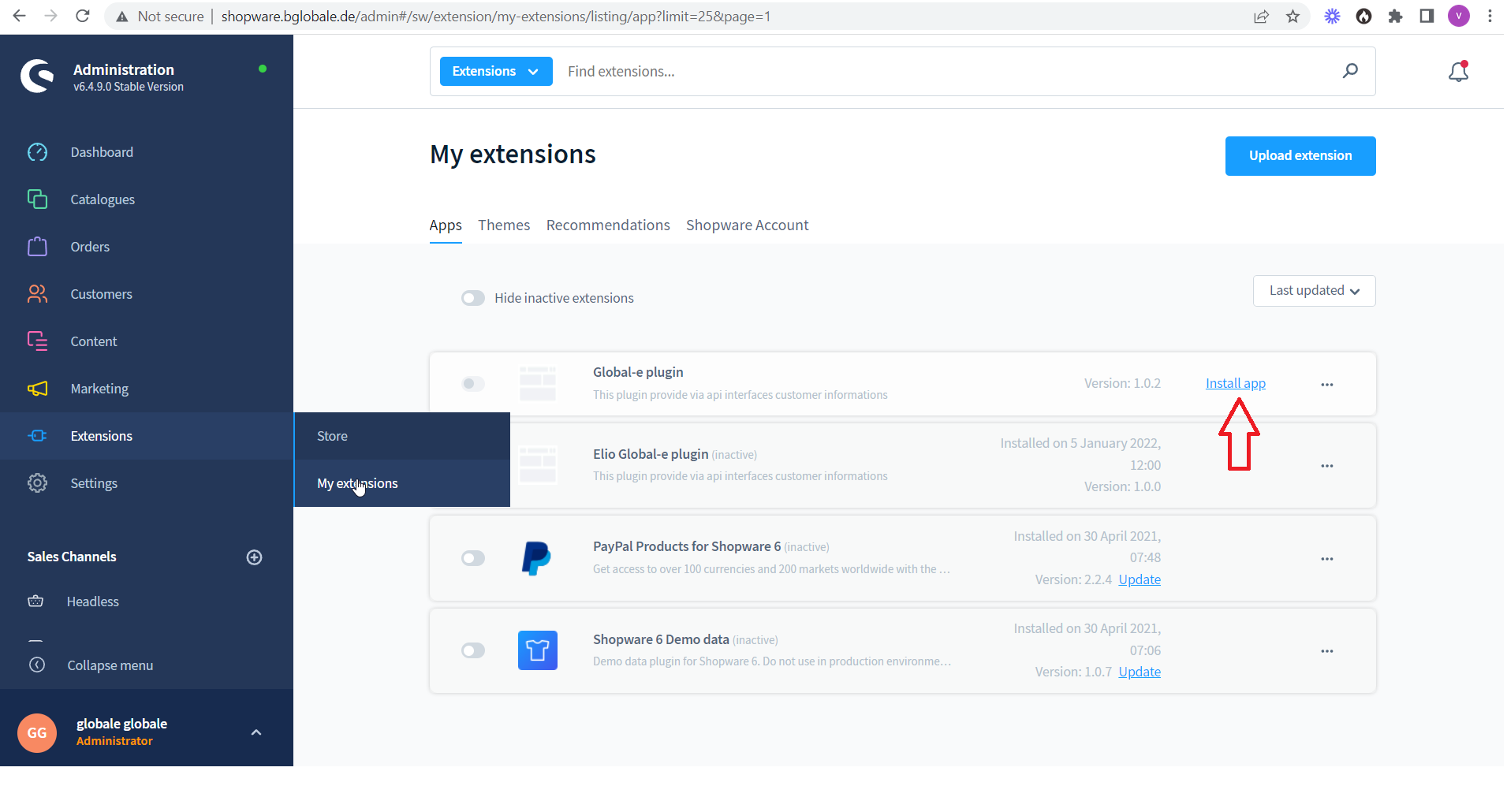
Go to Extensions → My extensions
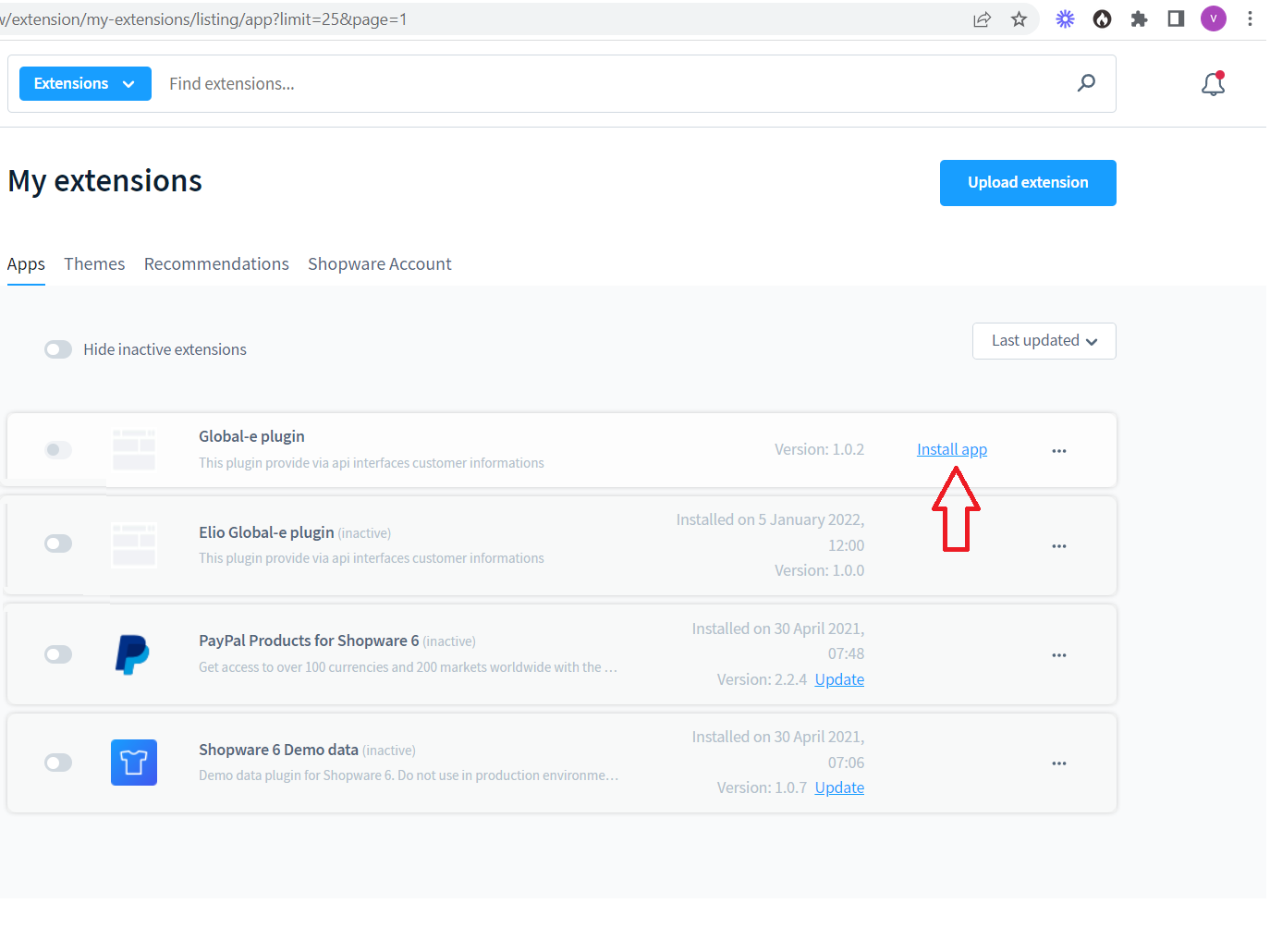
Click Install app.
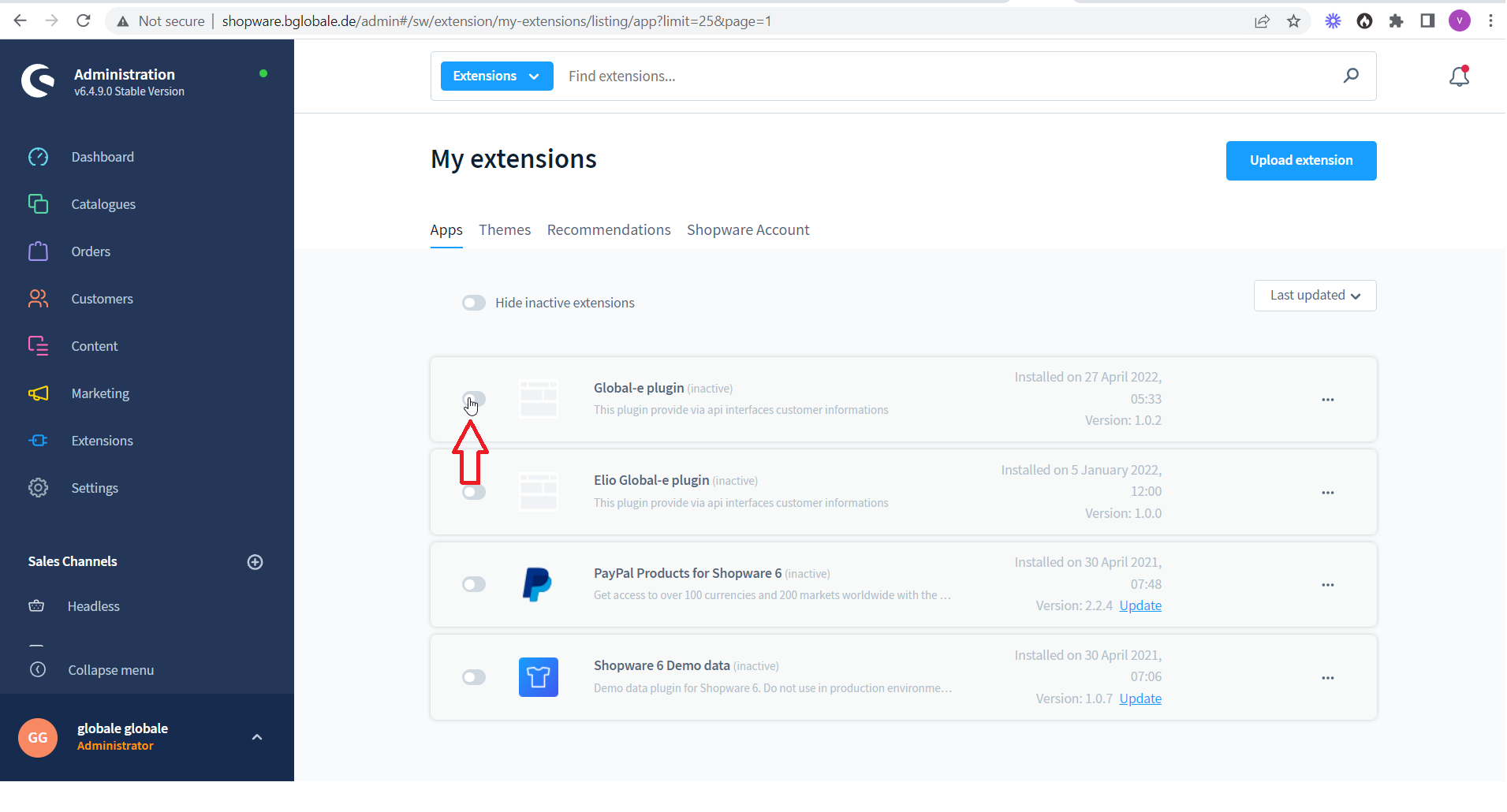
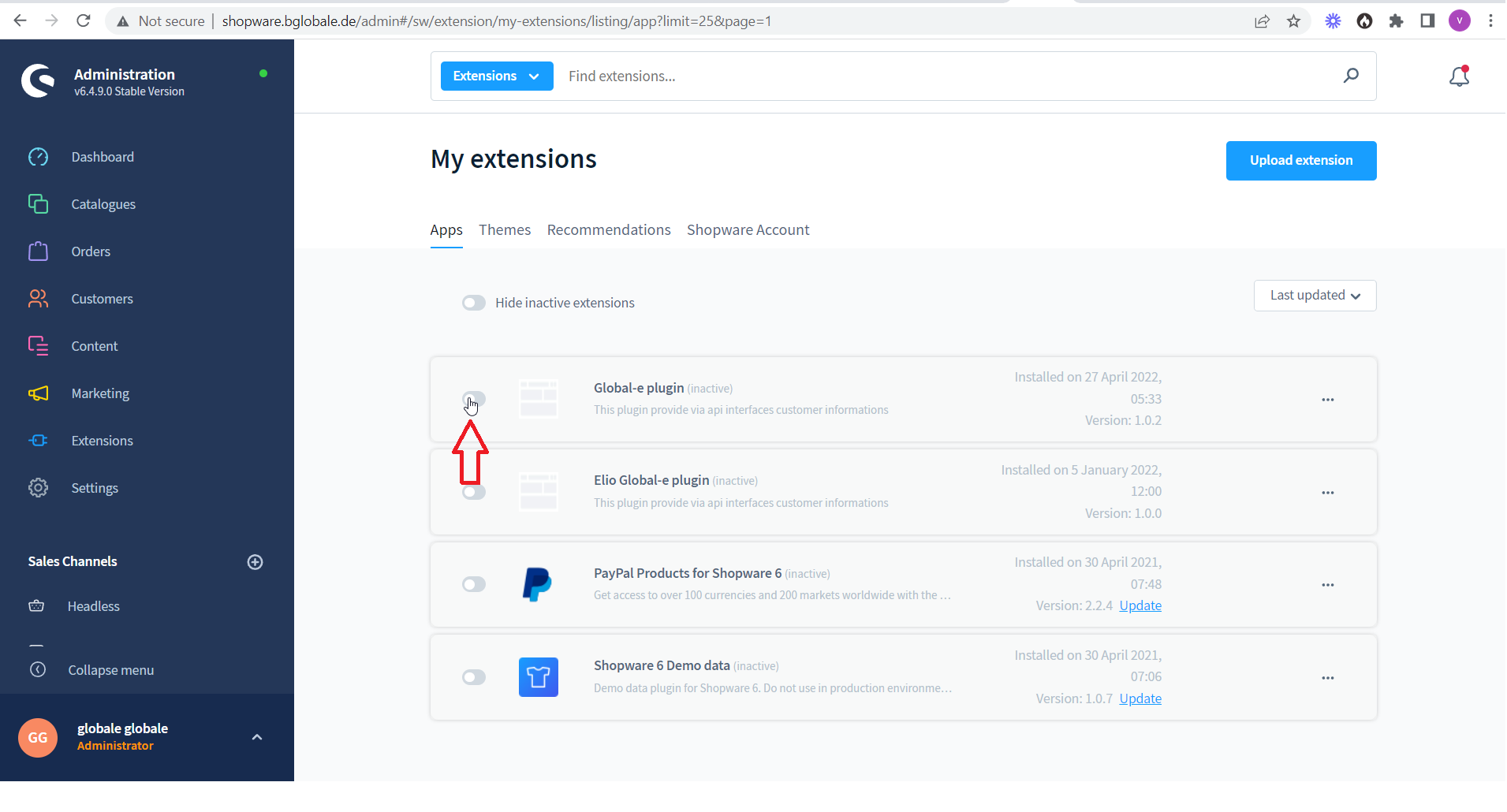
Enable the Global-e plugin.
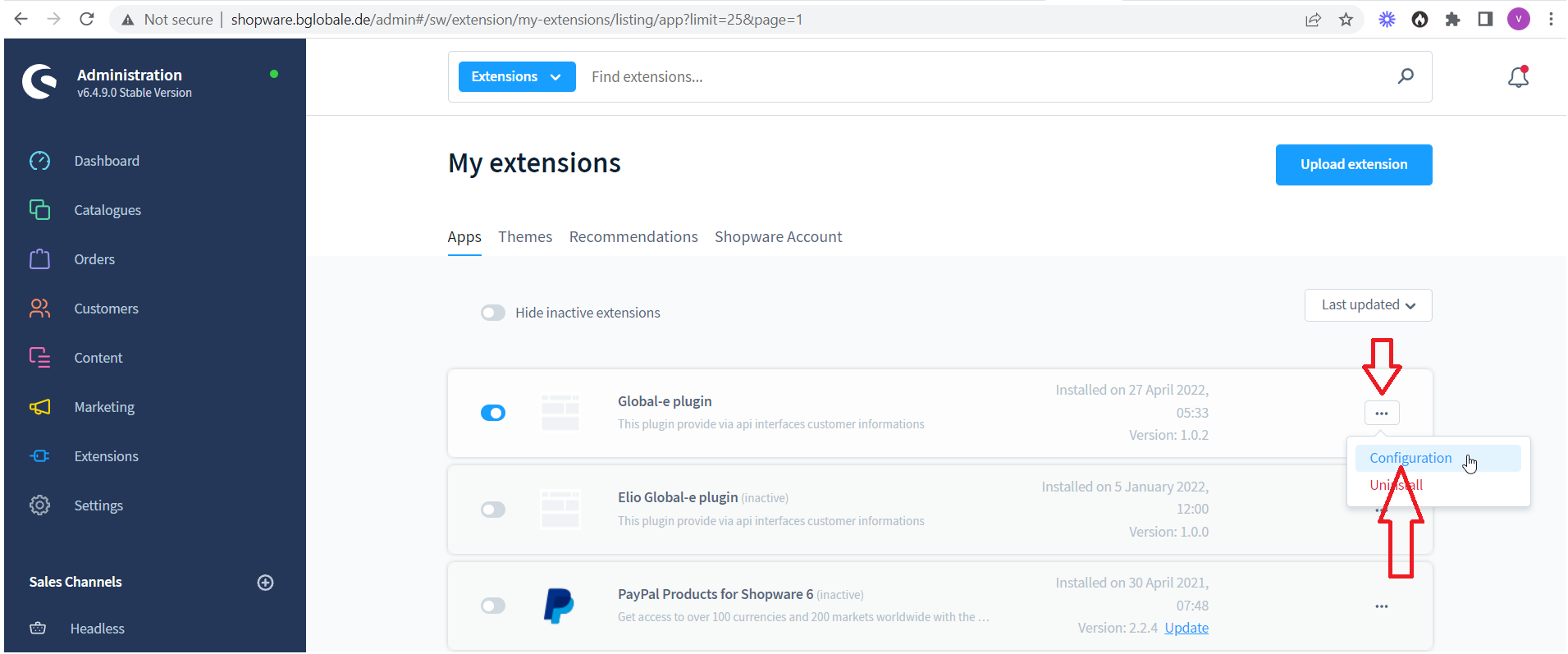
Configure the plugin:
To the right of the Global-e plugin click the three dots → Configuration
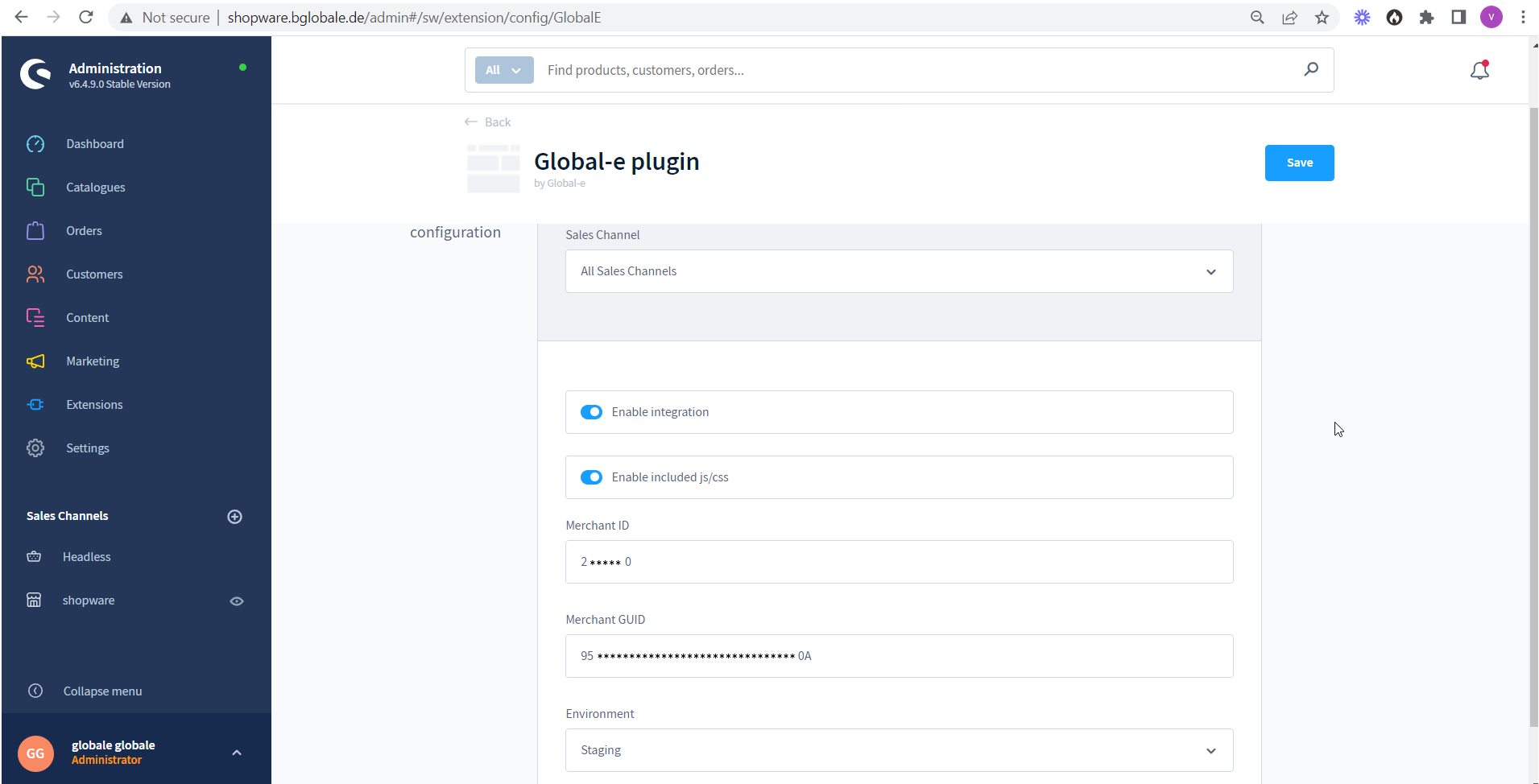
Set the merchant configuration values.
Method 2. Upload the module's zip file to Shopware admin
Go to Extensions → My extensions.
Click Upload extensions and select the zip file.
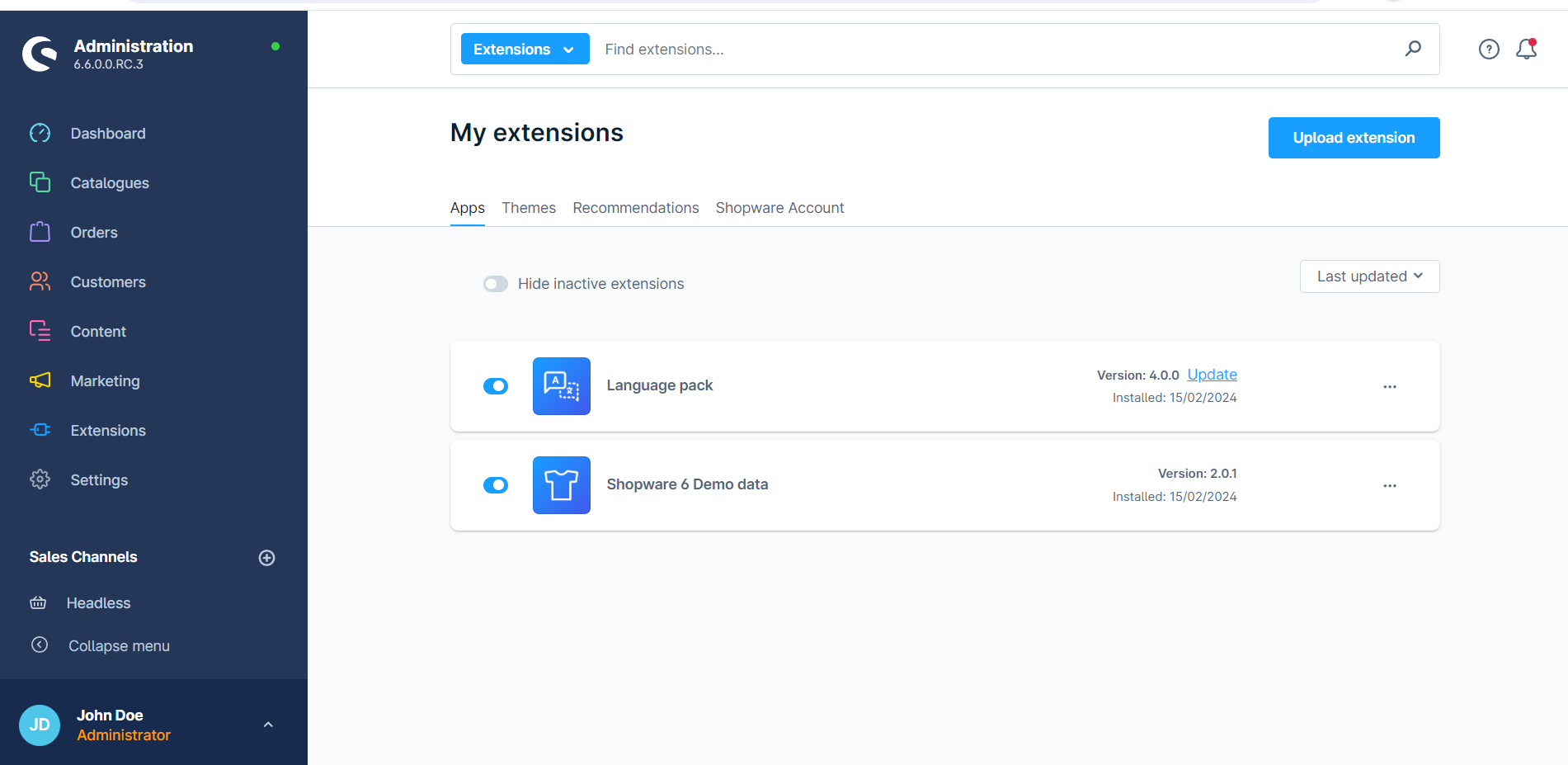
The Global-e plugin is added to the My Extensions page.
On the right side of the Global-e plugin click Install app.
Enable the Global-e plugin.
Global‑e Shopware Plugin
|  In Shopware, the order is created as a standard Shopware order, following the native Shopware creation flow. |