Configuration
Site Preferences
Set the mandatory Site Preferences in the GLOBALE preference group using the values provided to you by Global-e.
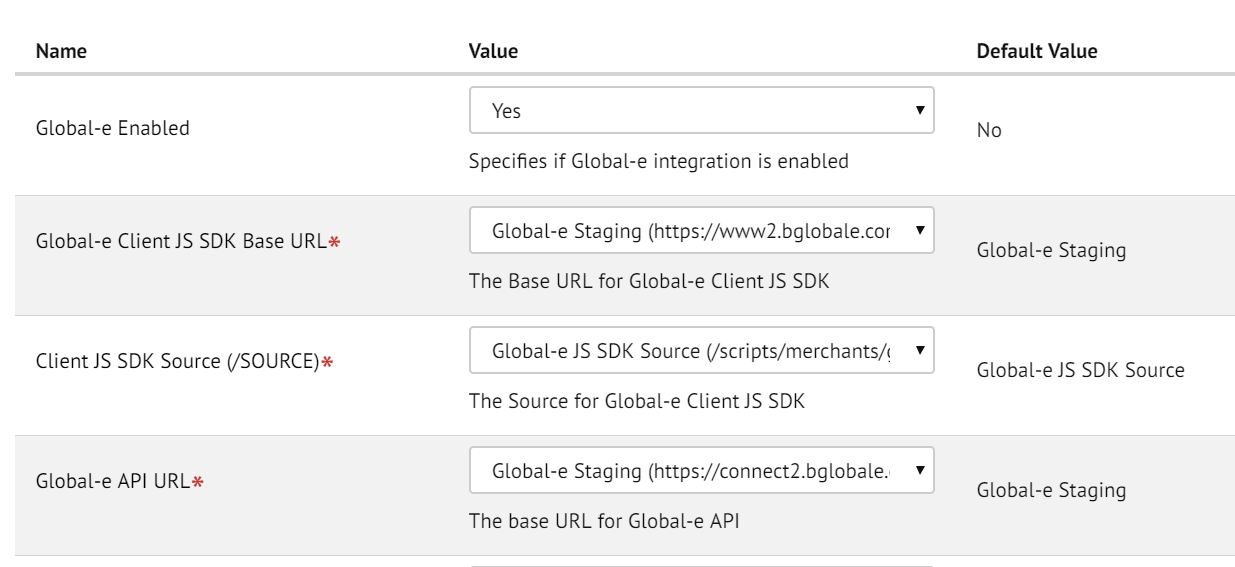
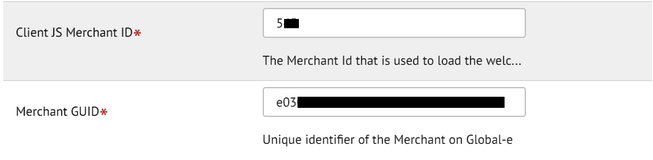
Enter the Merchant ID and Merchant GUID that you received from Global-e.
Set the proper image view type in the GLOBALE-PRODUCT Site Preference group.

Setting Pipeline URLs mapping
Go to Business Manager > Site > Merchant Tools > Site URLs > URL Rules > Pipeline URLs (tab) and set the following Pipeline aliases:
Alias | Pipeline |
|---|---|
globale/checkout/pspredirect | Globale-PaymentRedirect |
Scheduled Jobs
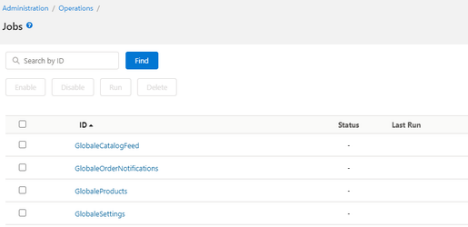
After you import Global‑e Jobs you need to assign all of them to your Global-e-operated Sites, which are supposed to be used with Global‑e Checkout.
Run the 'GlobaleSettings' Job manually to pull all configuration data from Global-e and store it locally to GLOBALE_* Custom Objects.
On your Production, GlobaleSettings Job will be running on a scheduled basis, which is 2 AM UTC.
All other Global-e jobs should be scheduled regularly.
For 'GlobaleSettings', 'GlobaleCatalogFeed', 'GlobaleRestrictedItemsFeed' - every day by default.
For 'GlobaleProducts', 'GlobaleOrderNotifications' - every 15 minutes by default.
Jobs that are not needed can be disabled or removed.