Configuring Auto-Approvals
Auto-approvals automatically approve RMAs that meet policy rule criteria.
To configure auto-approval
Complete accessing your policy rules.
In the dropdown menu located to the right of Approval Process, select Automatic.
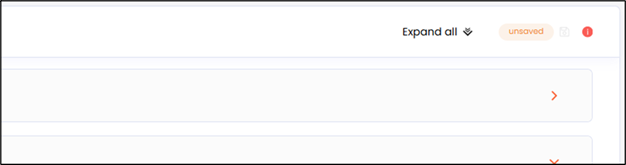
Click the save icon in the top right corner.
Note
The save icon is only displayed when you change your Approval Process selection.
In the left menu, click Returns & Exchanges.
The Manage Returns window is displayed.
Click an RMA that matches the conditions in the policy rule.
Confirm the RMA does not remain in Pending Requests.