Purchase of Gift Cards
Gift Cards can be added to the basket and purchased like any other regular product.
Here is how to configure a gift card:
In SFCC Business Manager, create a new product.
For this product, check the product custom attribute Is Globale Gift Card which identifies the product as a Gift Card.

The product can be configured as a single or as a master with variation products that will be used as different amounts of Gift Card.

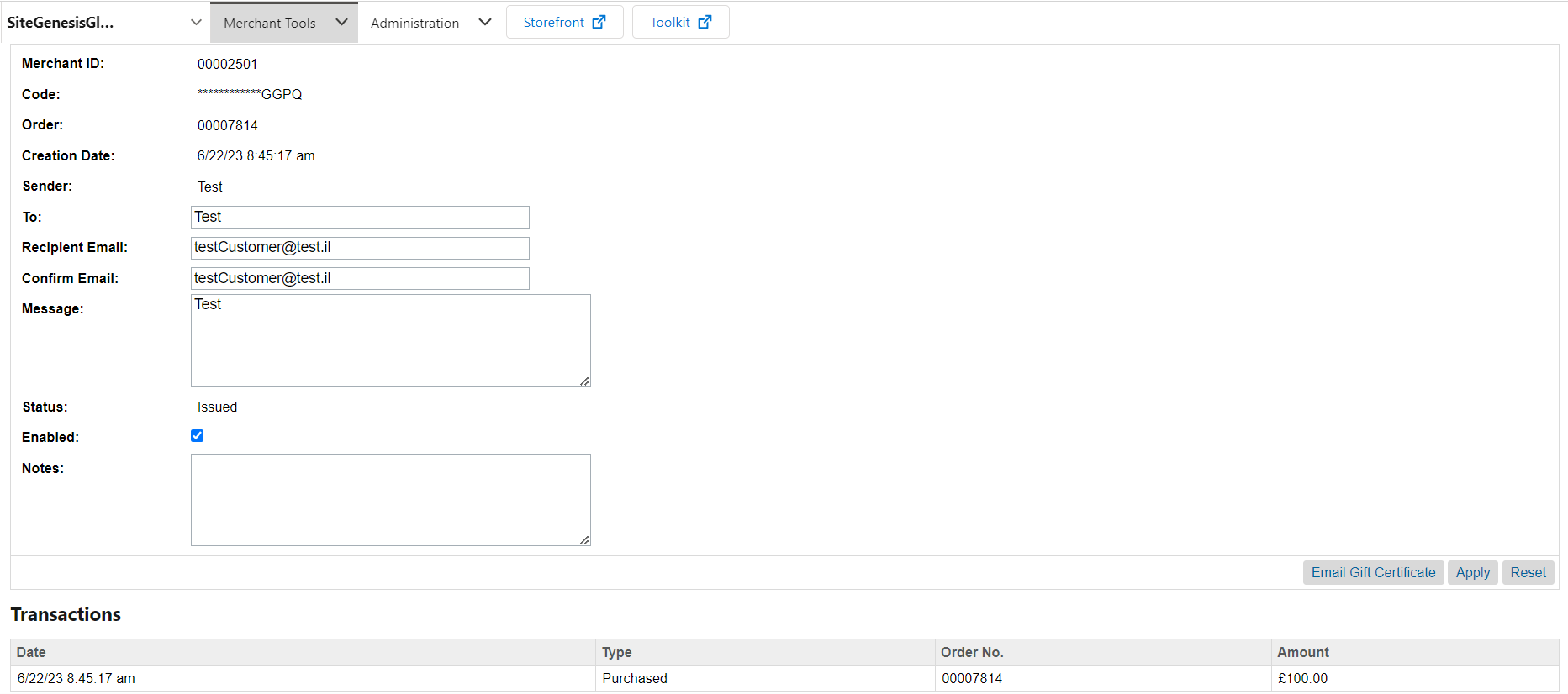
A Gift Certificate is created on the SFCC instance after successful checkout:
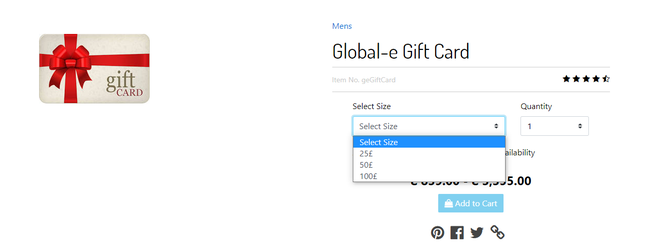
This is how the gift card looks on the SFCC storefront:
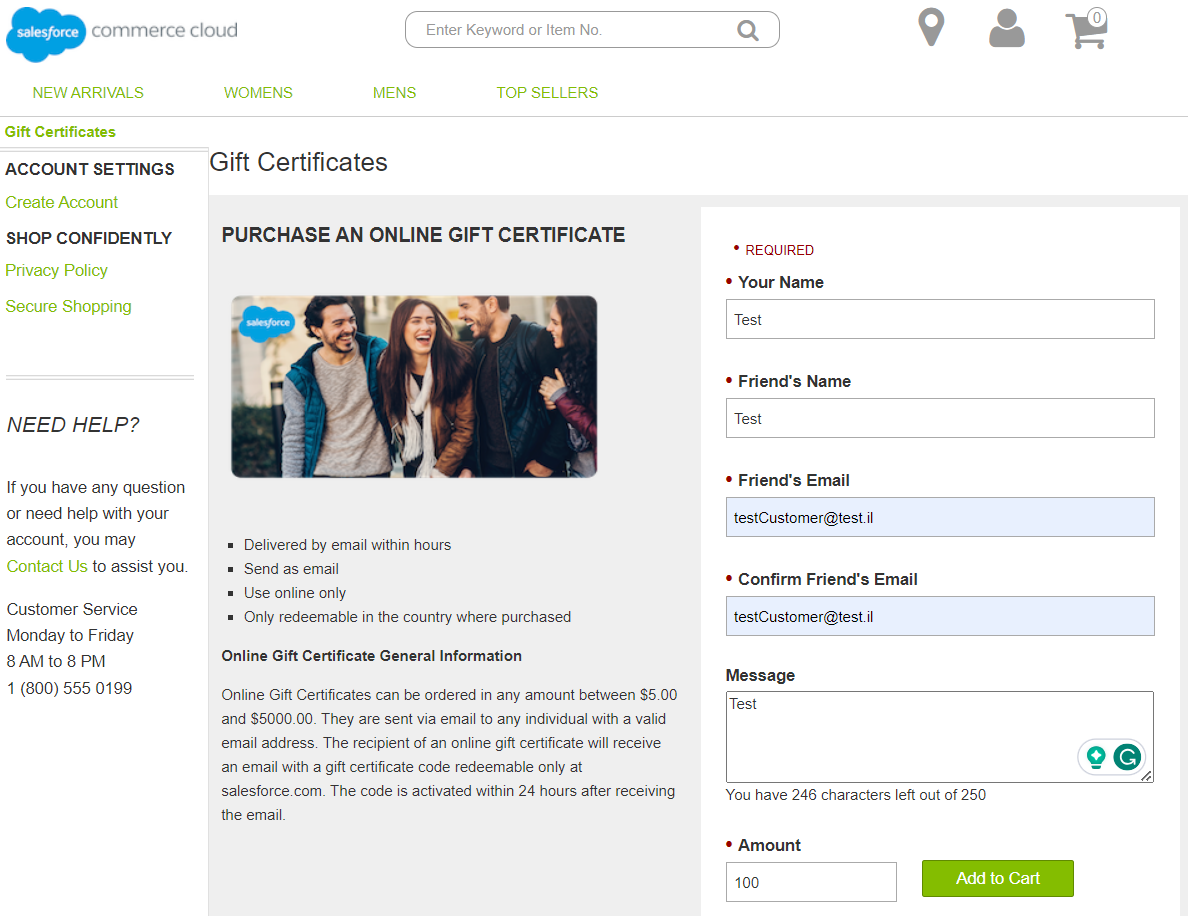
Native Gift Certificate purchase page for SiteGenesis:
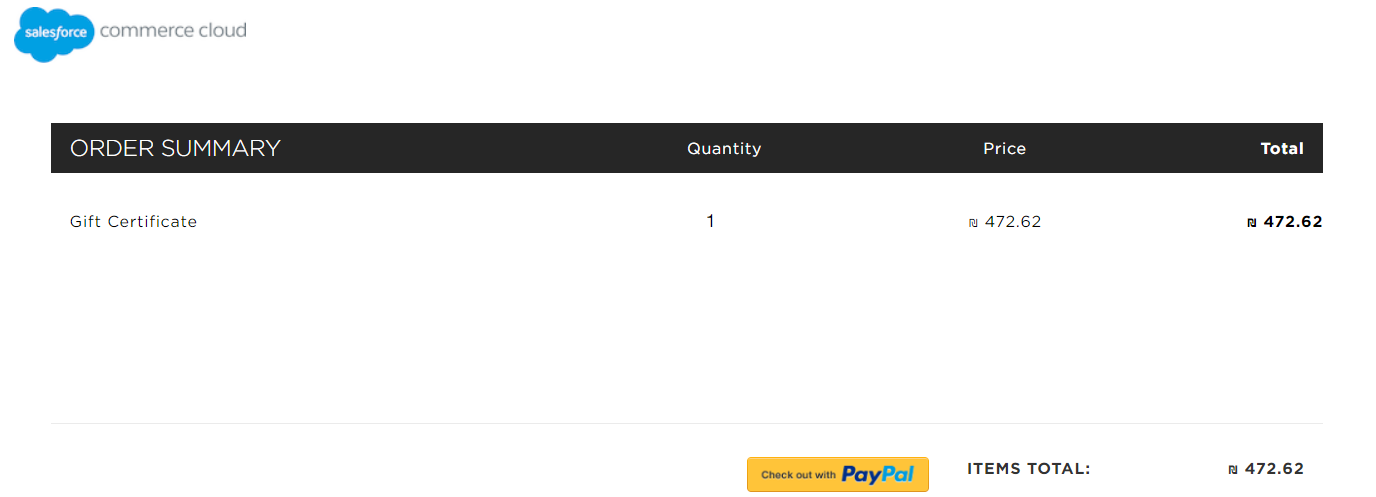
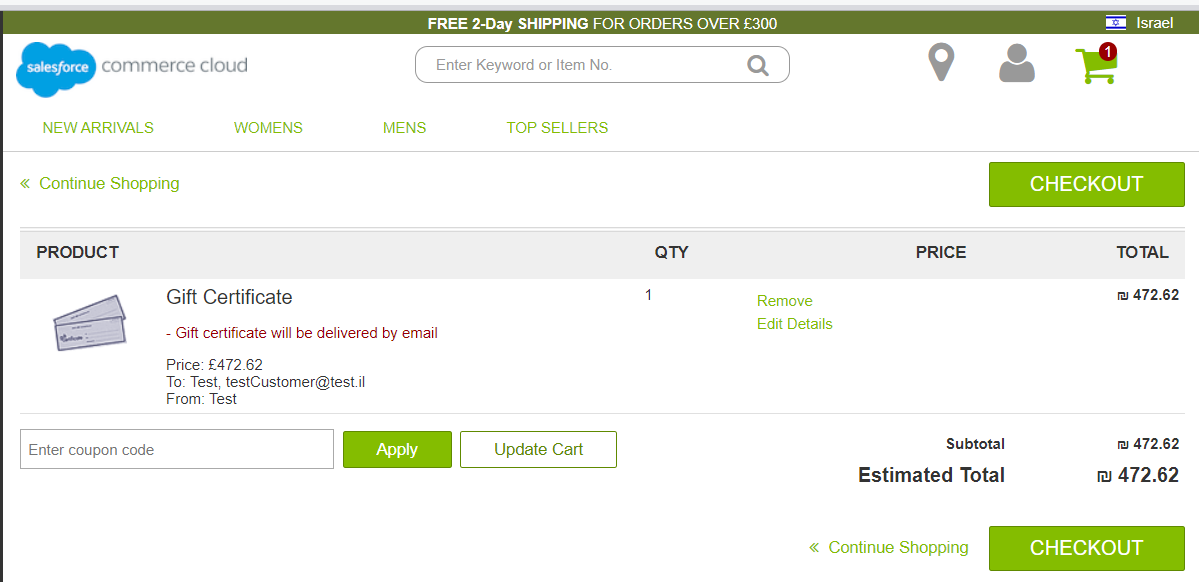
Gift Certificate on the cart page:
Gift Certificate on the Global-e checkout page: