Using Gift Cards
“Validate” API call
The customer enters all card data and clicks Apply to apply for a Gift Certificate.
Note: the count of fields for card data is configurable on the Global-e side and can be configured according to the project’s needs. There can be one field with Card ID, two fields with Card ID and Card PIN, etc.
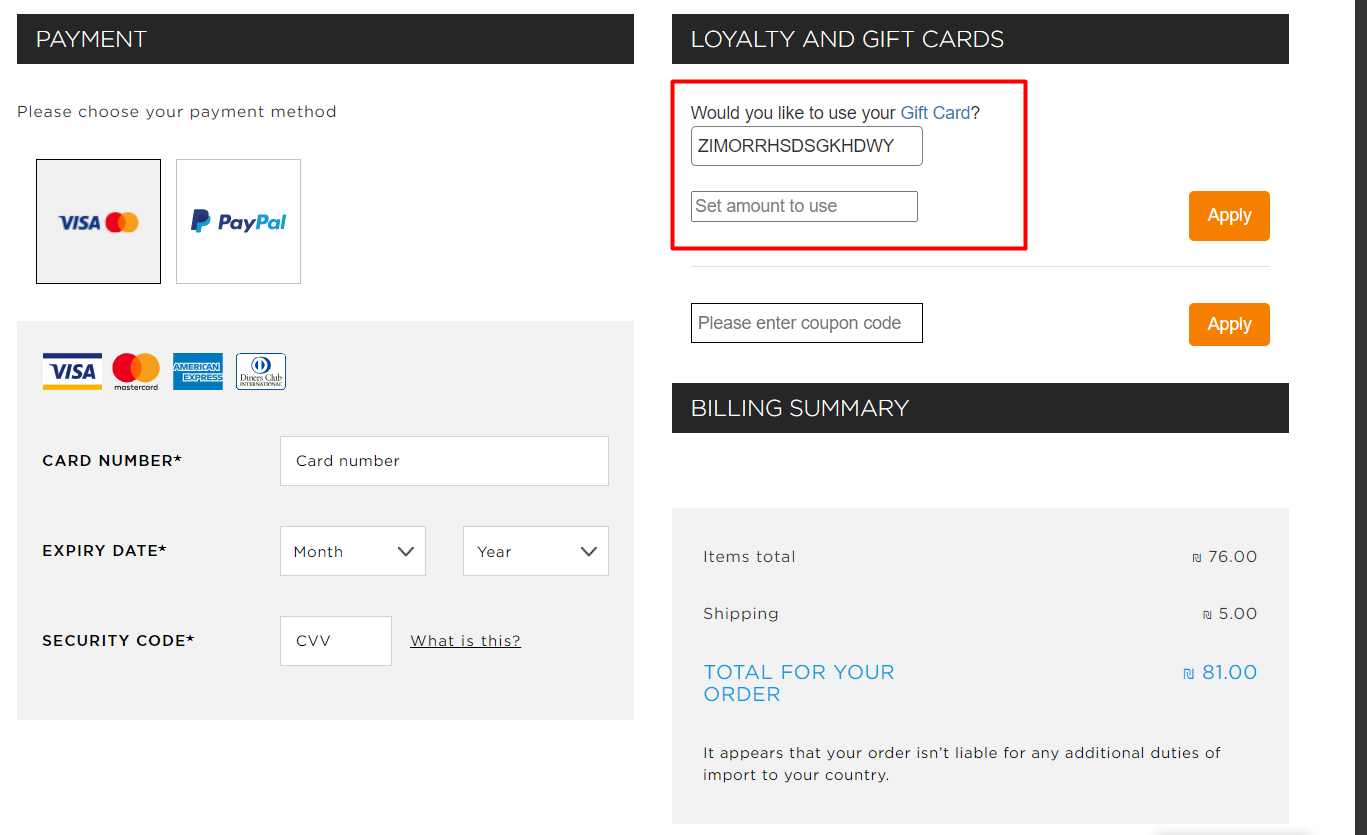
Global-e sends a ‘Validate’ request to SFCC.
The request payload is parsed and SFCC checks if the card exists.
If the card is not valid SFF responds with an error message.
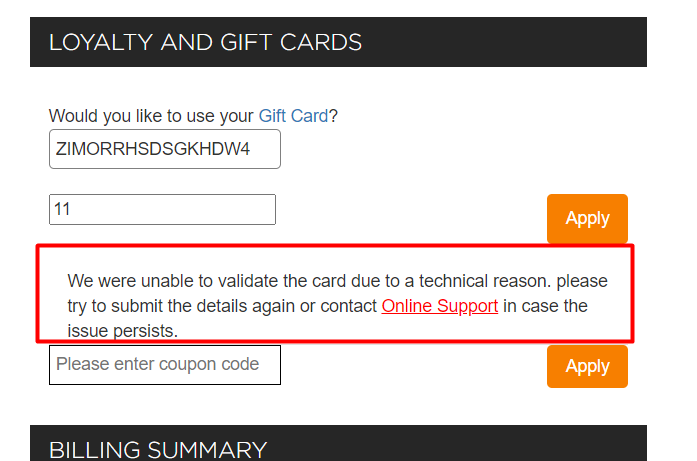
If the card is valid:
The card balance is converted to checkout currency.
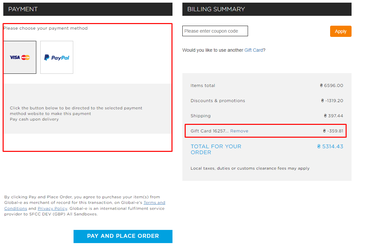
The UI of the Gift Cards section notifies the customer about the successful card application.
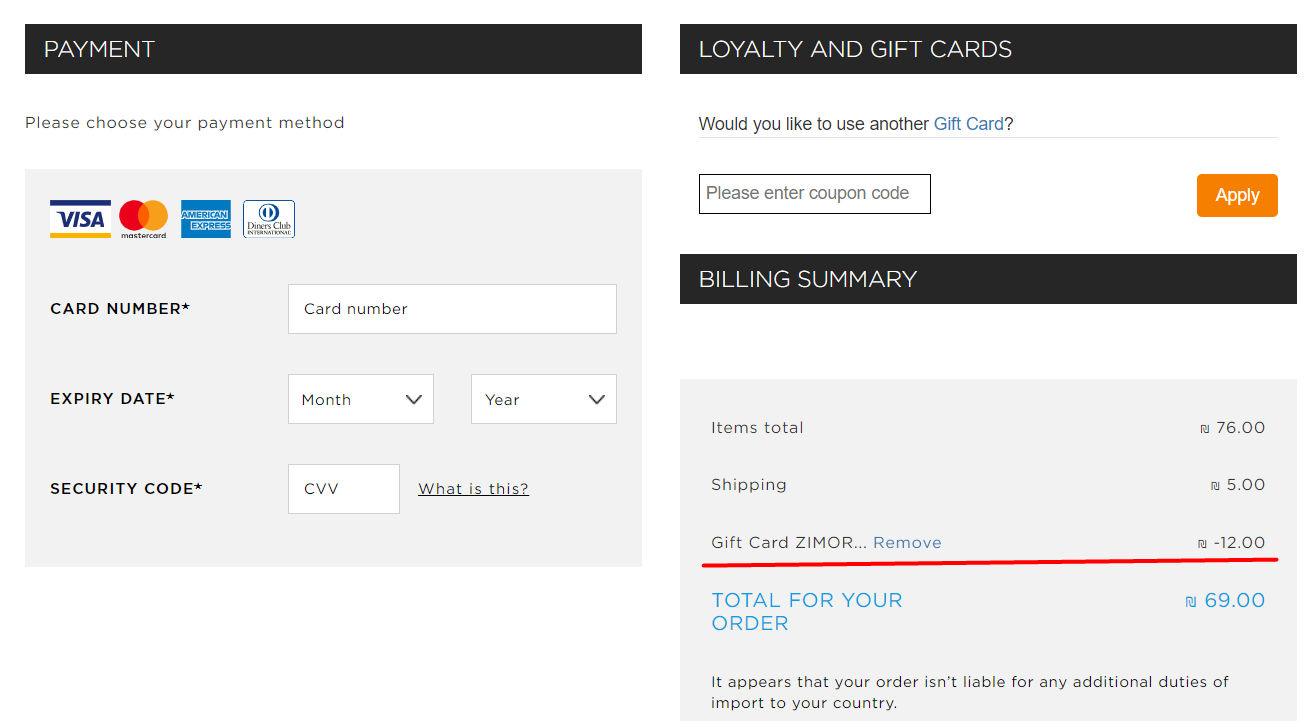
The totals section is reloaded with information about how much money will be compensated from the Gift Card.
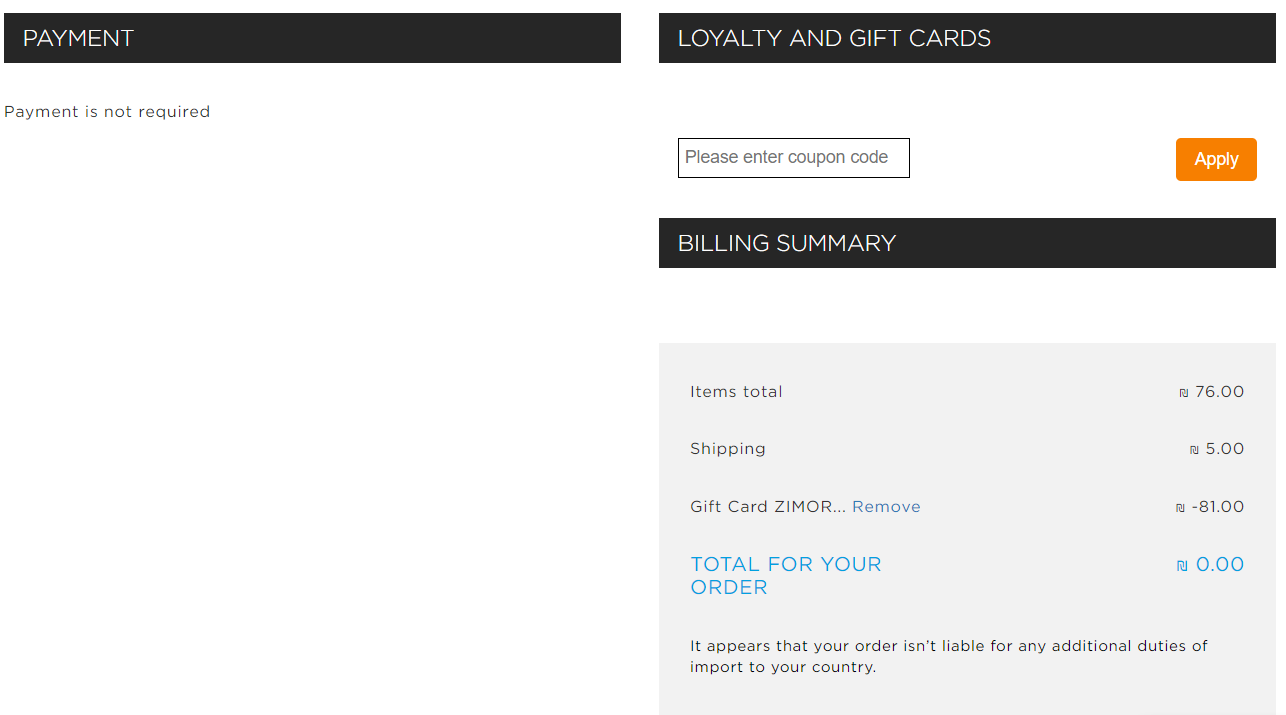
If the amount of the card covers the order's total amount, the customer can create an order without any additional payments.
If the amount of the card covers only part of the order's total amount - the user should select a payment method to pay the rest.
“Redeem” API call
After the customer clicks on ‘PAY AND PLACE ORDER' and receives a successful validation on the Global-e side, a 'Redeem’ request is sent from Global-e to SFCC.
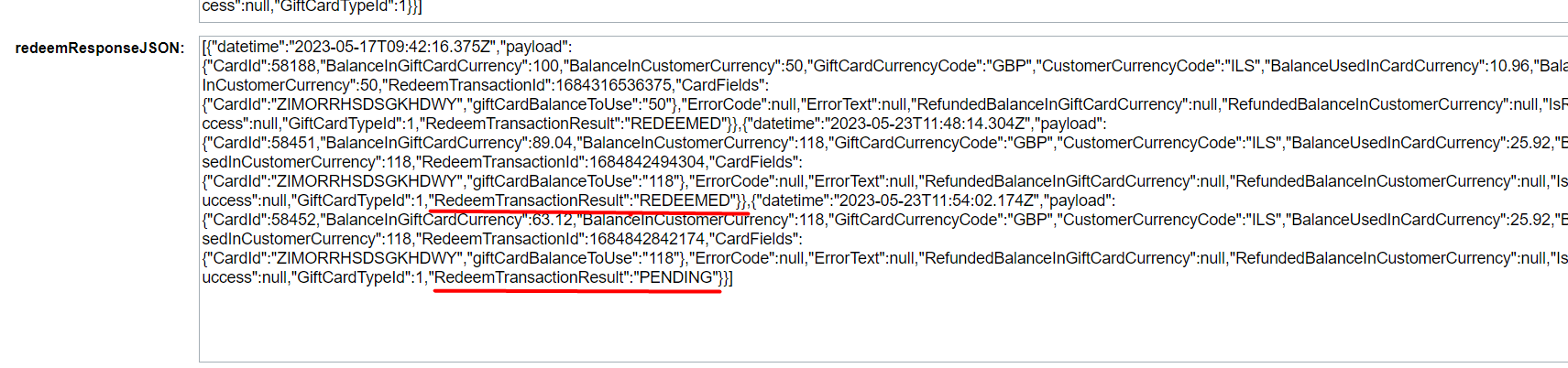
When an order is created on the Global-e side (and before it is created on the SFCC side) Global-e sends a “Redeem” request to SFCC. This redemption request will be detected as “PENDING” in the “redeemResponseJSON”, and real redemption for SFCC Gift Certificate will take place after the Global-e Payment Update request, and it will be detected as “REDEEMED” in the “redeemResponseJSON”.
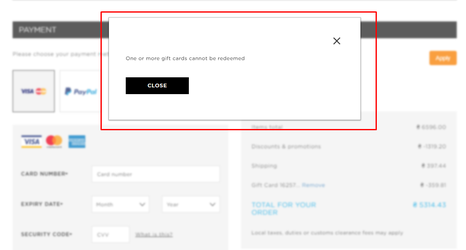
If the 'Redeem' for the card fails - an error message is displayed to the user and the order is not created on the SFCC side.
If the 'Redeem' for the card was successful - the confirmation page is displayed to the user and the order is created on the SFCC side.
Refund’ API call
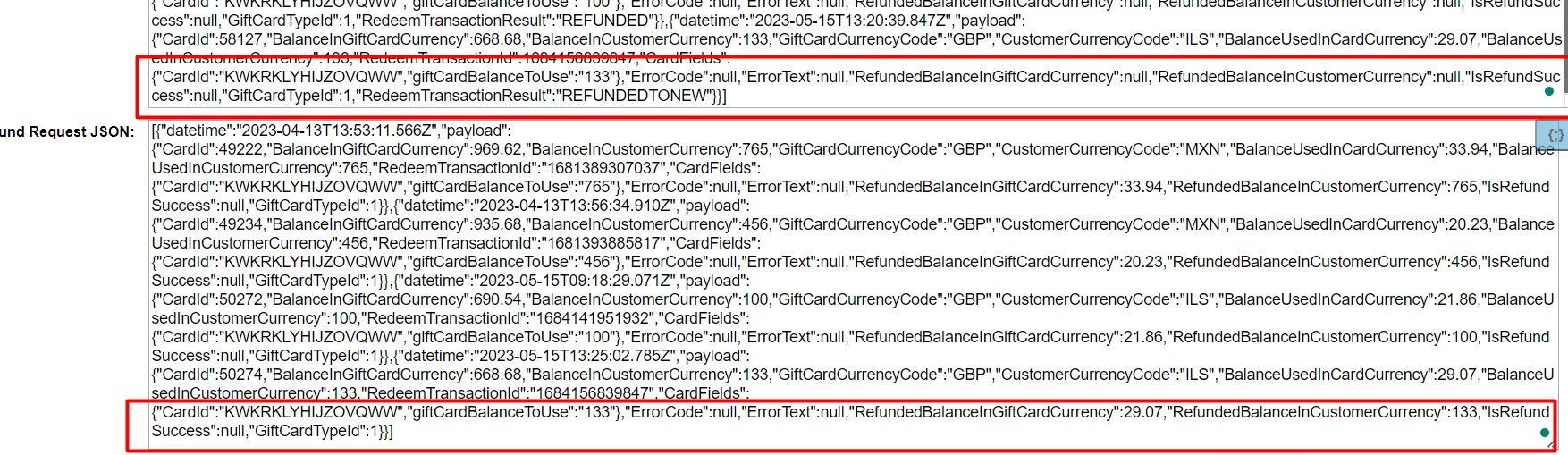
A Refund request is sent from Global-e to SFCC if a refund is created on the Global-e side. For example: if the order is set to ‘Cancelled' on the Global-e side.
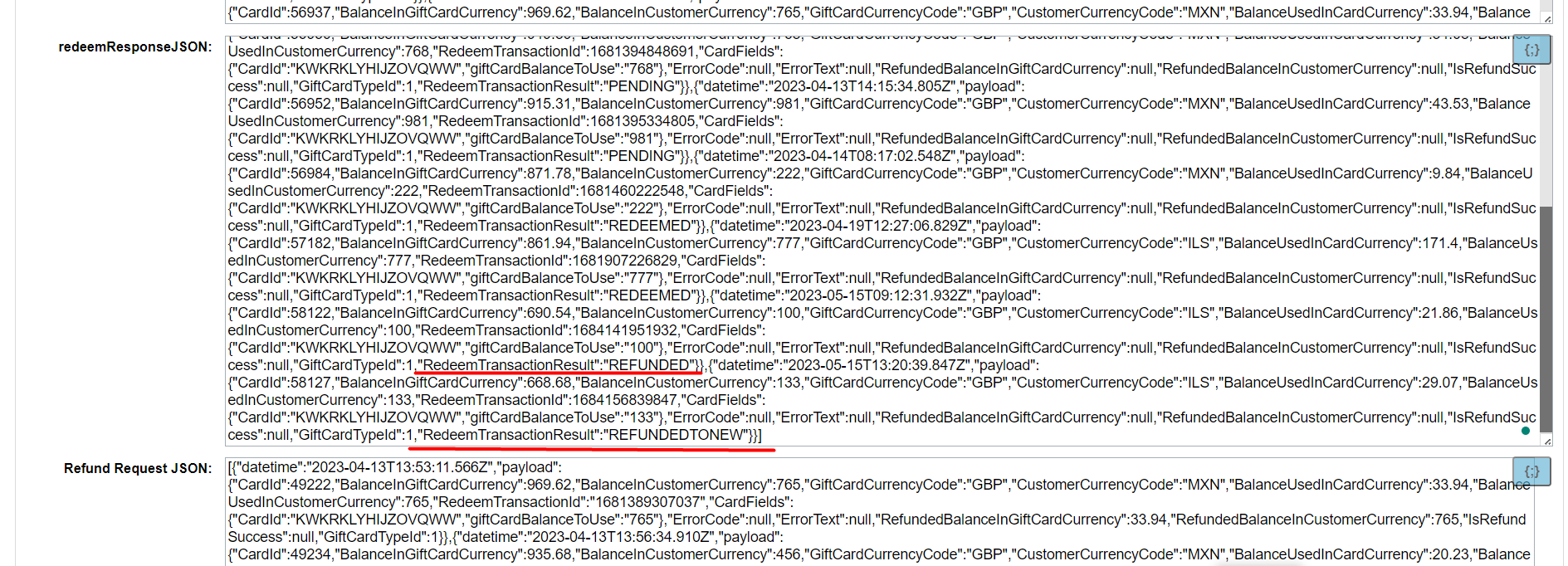
If RedeemTransactionResult has the status PENDING, it will be changed to REFUNDED. If RedeemTransactionResult has the status REDEEMED, a new SFCC Gift Certificate will be created with the refund amount, and the RedeemTransactionResult status will change to REFUNDEDTONEW.
Used ’Gift Cards’ details
Information about used cards is added to the payload of ‘Send Order To Merchant' and 'Payment Notification’ requests