Refund
Orders are refunded directly through the Shopify Admin portal.
Important information for Merchants who charge customers for prepaid return labels on the Global-e Returns portal.
When a customer uses a prepaid shipping label, Global-e deducts the cost of shipping from their refund, resulting in a lower refund amount than indicated in the notification email. Since Shopify does not support paid returns, this can cause discrepancies in Shopify's recorded refund data and the notifications sent to customers. |
For example, if a customer returns a product that costs $95.30, with a $10 prepaid label generated on the Global‑e Returns portal, the notification email from Shopify indicates a refund amount of $95.30, when in reality the customer only receives $85.30. |
We recommend the following solutions: |
|
To refund an order:
Go to the Shopify Admin screen.
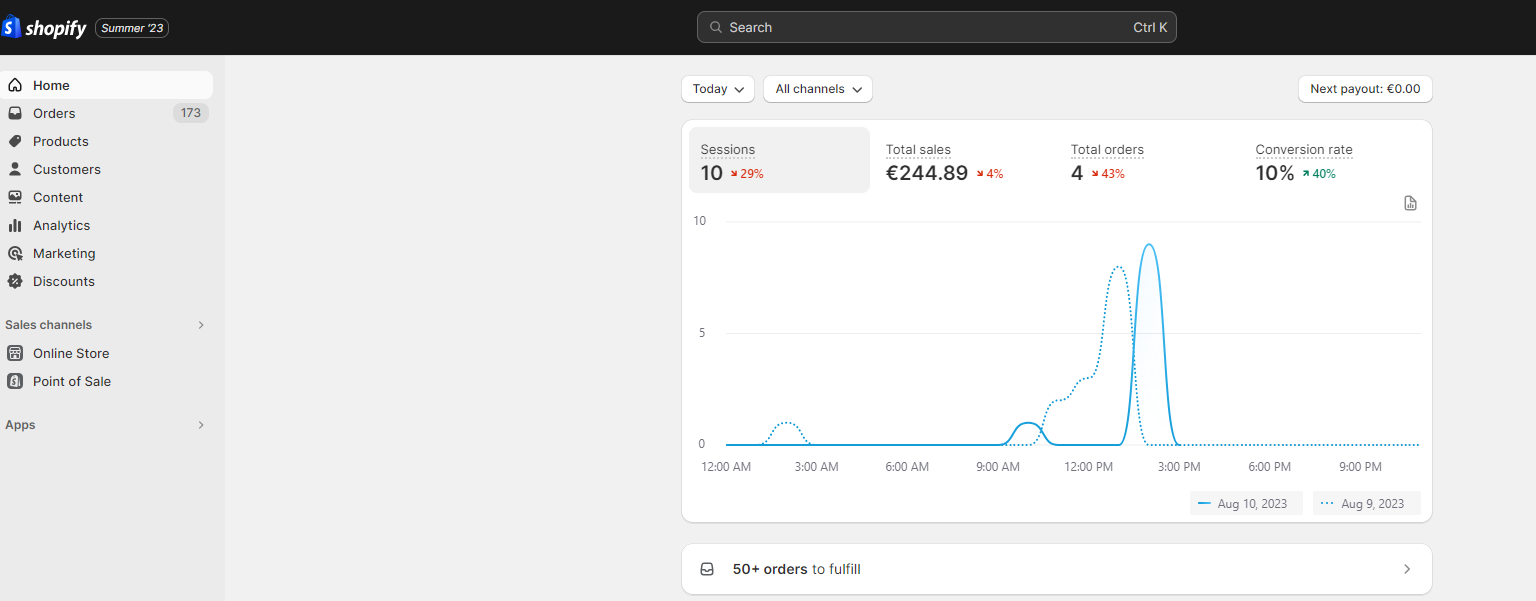
In the left navigation bar, click Orders.
The list of orders is displayed.
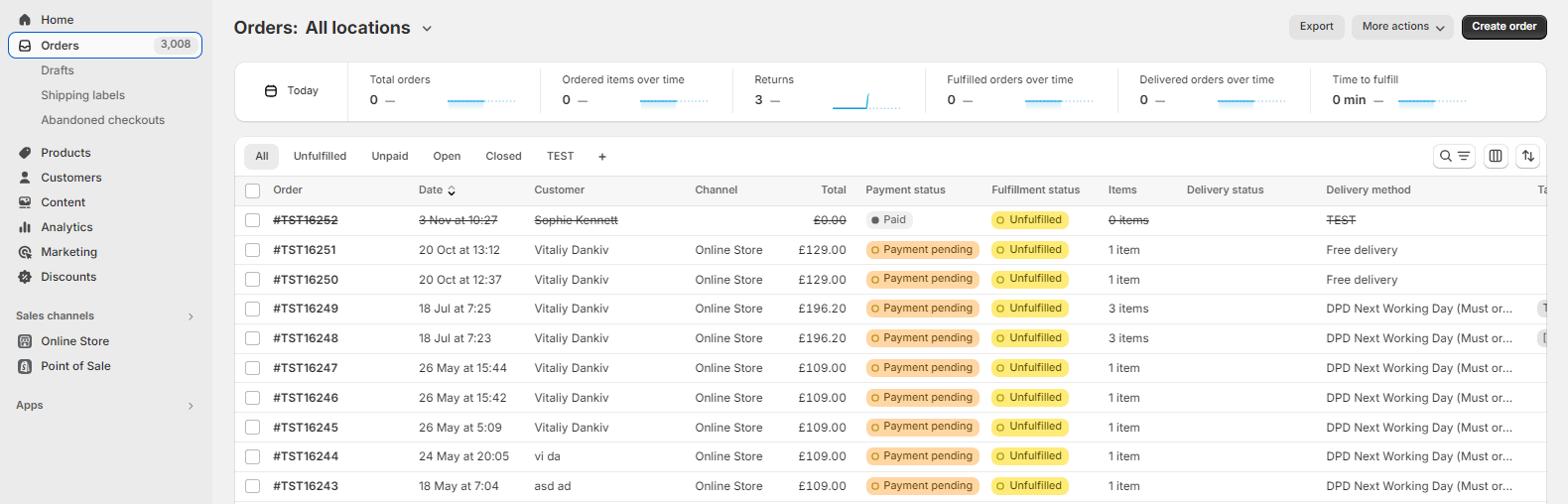
Select the order for which you want to perform a refund.
The order page opens.
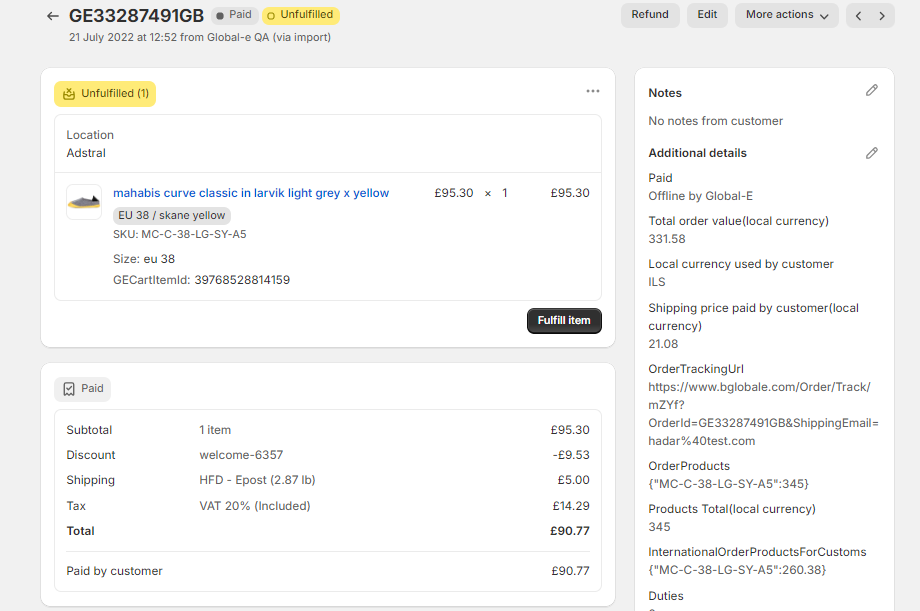
At the top-right of the page click Refund.
The Refund page opens.
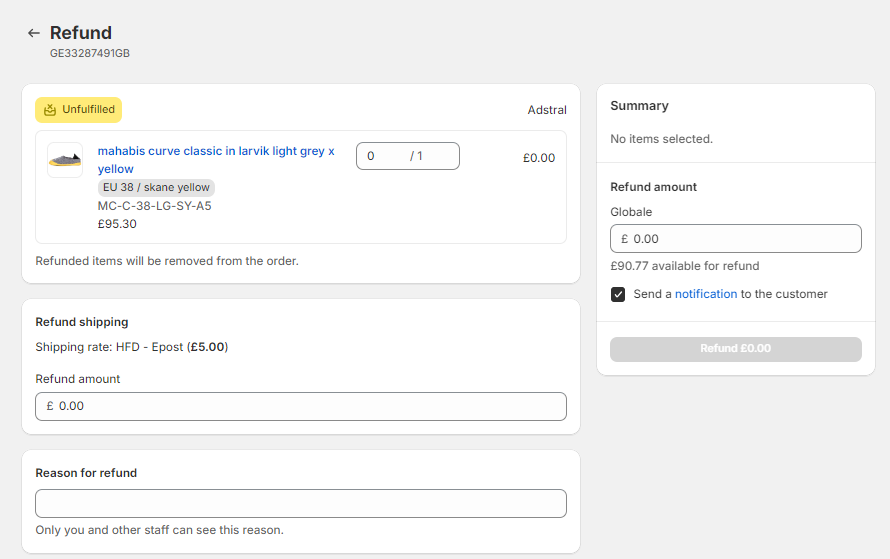
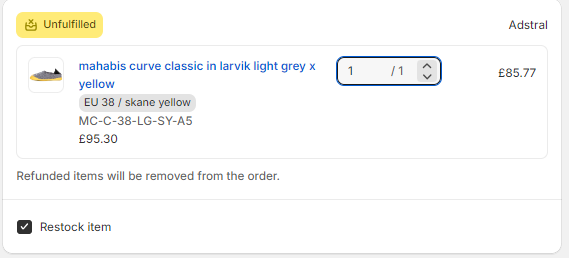
Enter the number of items that you want to refund.
If you don't want the item to be restocked, unselect the Restock Item option.
The Summary section displays the refund amount.
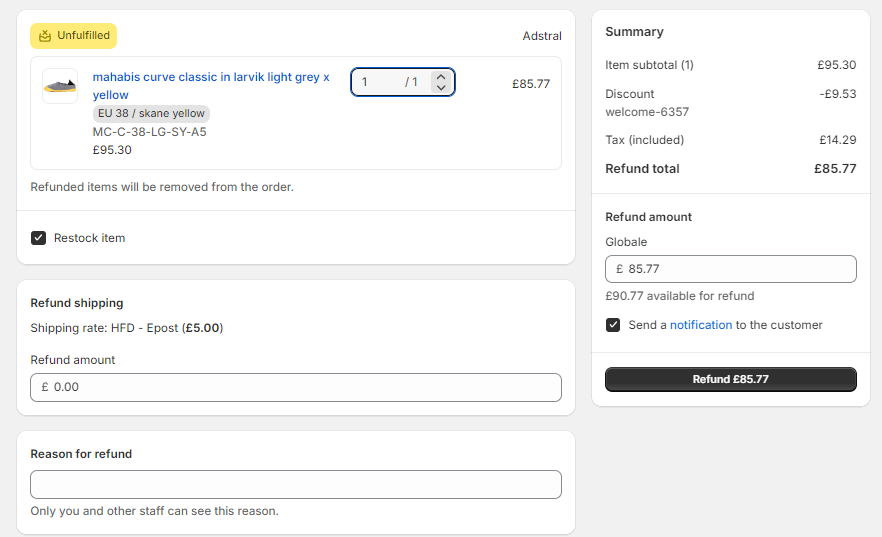
At the bottom of the page, you may include a reason for the refund.
Click Refund $(amount) to finalize the refund.
The order is refunded and a refund notification email is sent to the customer.