Restricted & Forbidden Products
The product can either be set to 'Restricted' or 'Forbidden' for shipping or importing.
Restrictions concerning countries operated by Global‑e are enabled on the Global‑e side.
When specific products are restricted for shipping based on the customer's shipping country, the product cannot be sold in that particular country.
Products can also be restricted for shipping across all Global‑e managed countries. In that case, these 'forbidden' products are only available for purchase in countries that are not managed by Global‑e.
Example in SAP Hybris: Shipping Restricted Products
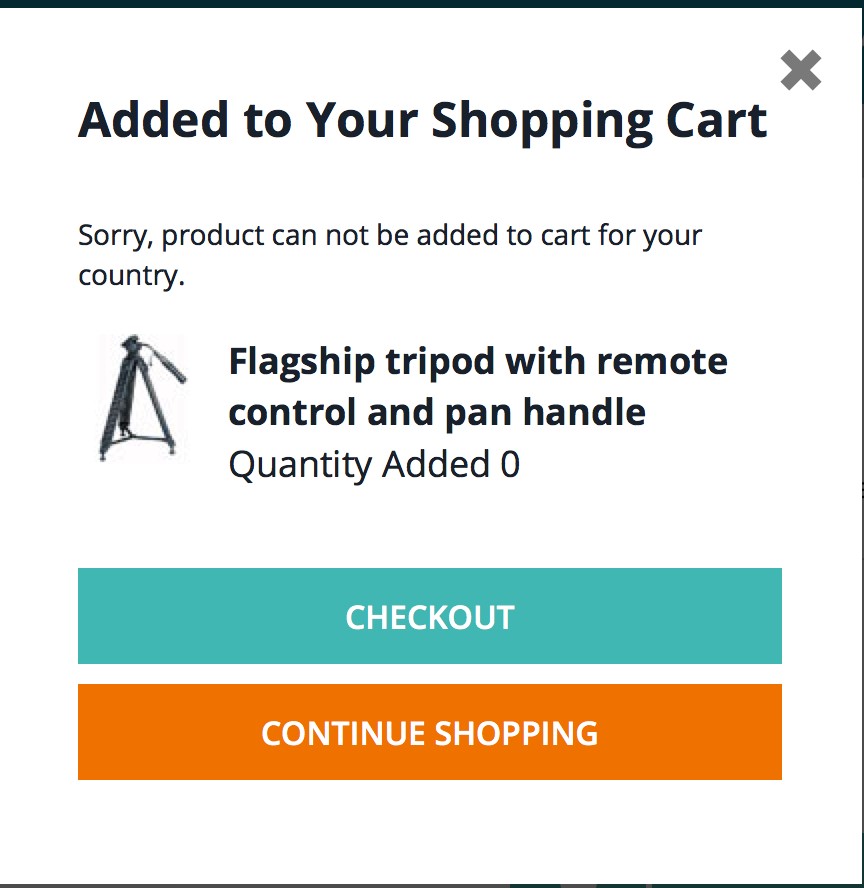
Add a restricted product to the cart.
The following pop-up is displayed stating that the product cannot be added to the cart.
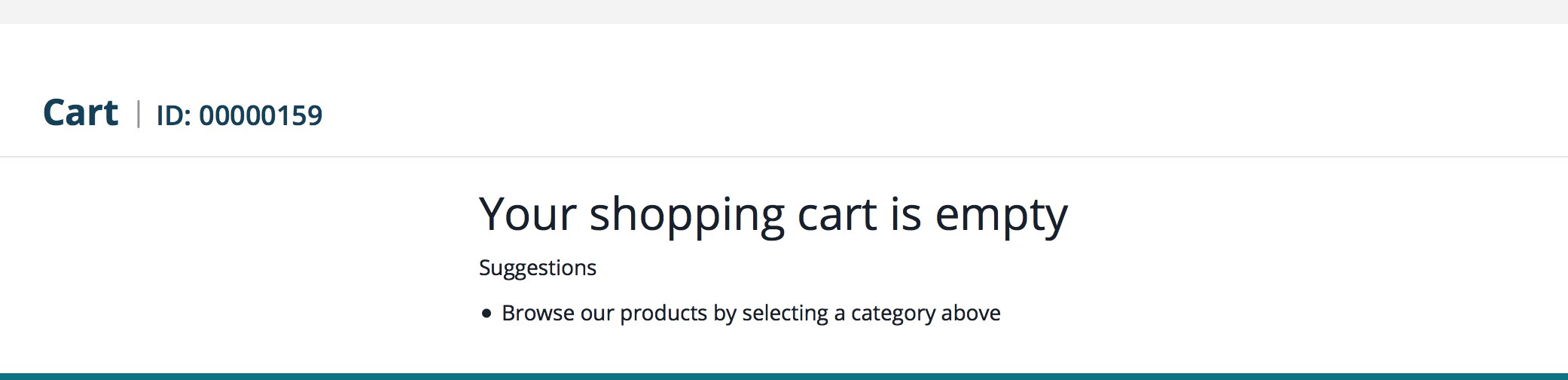
If the customer still tries to click checkout, the empty cart page is displayed.
Example in SAP Hybris: Shipping Forbidden Products
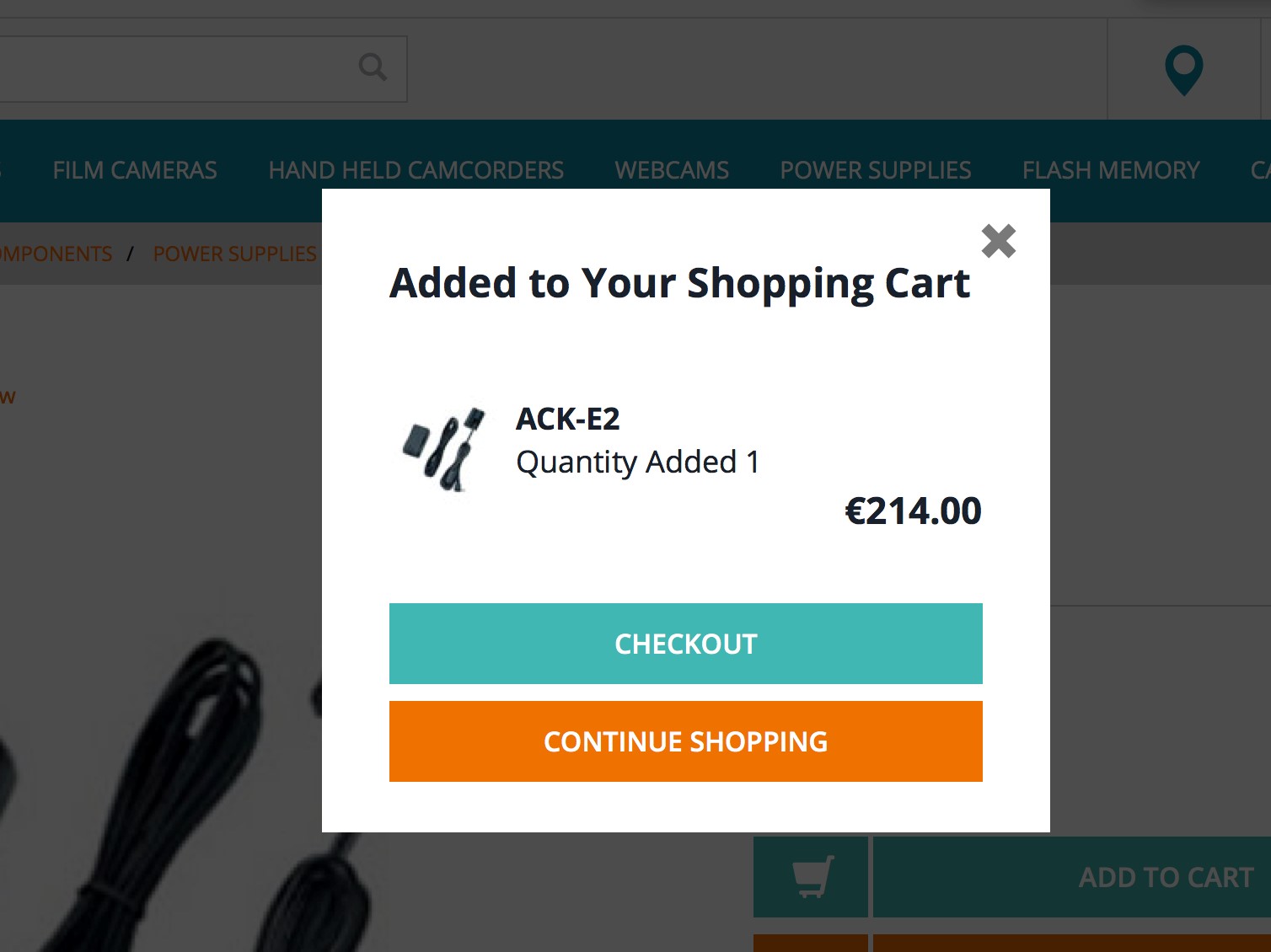
Add a forbidden product to the cart.
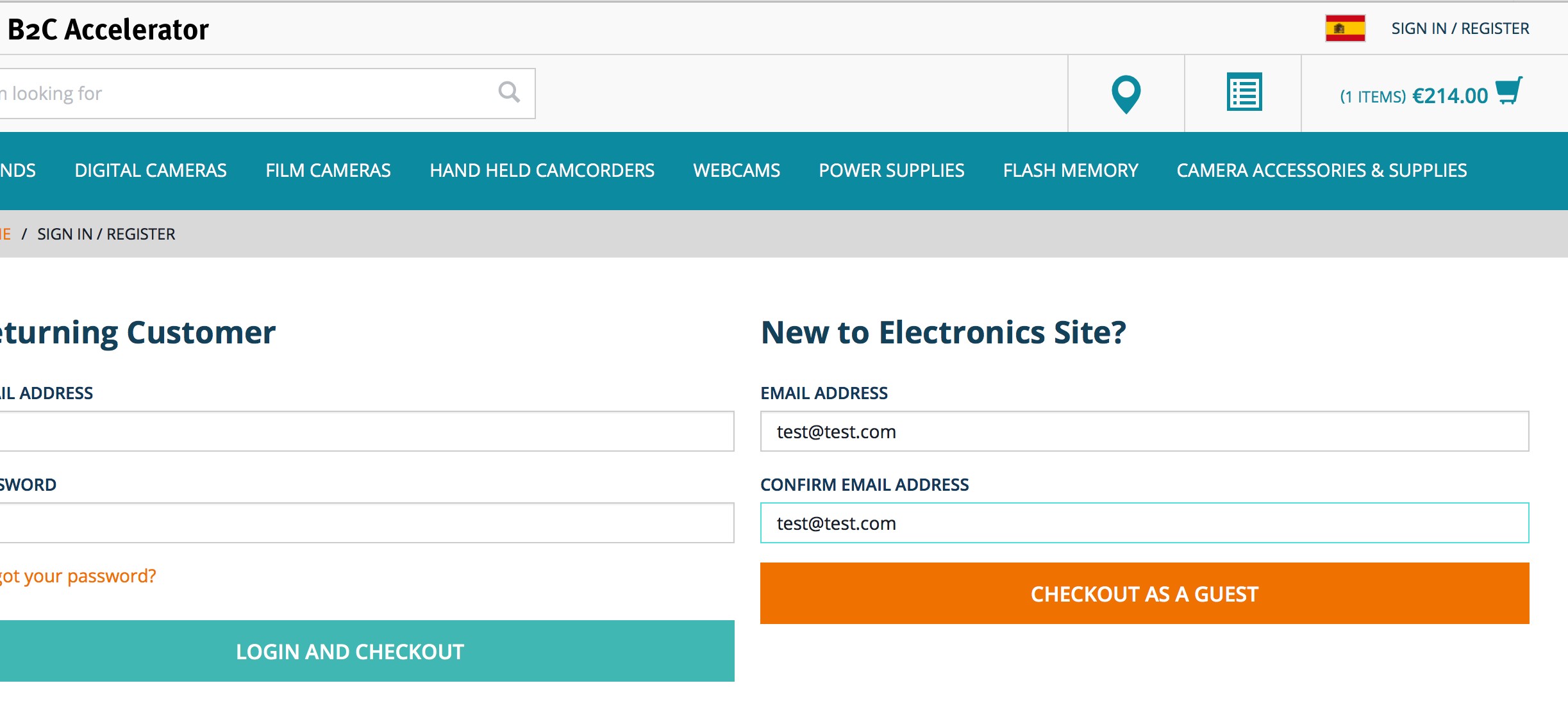
Navigate to the checkout page.
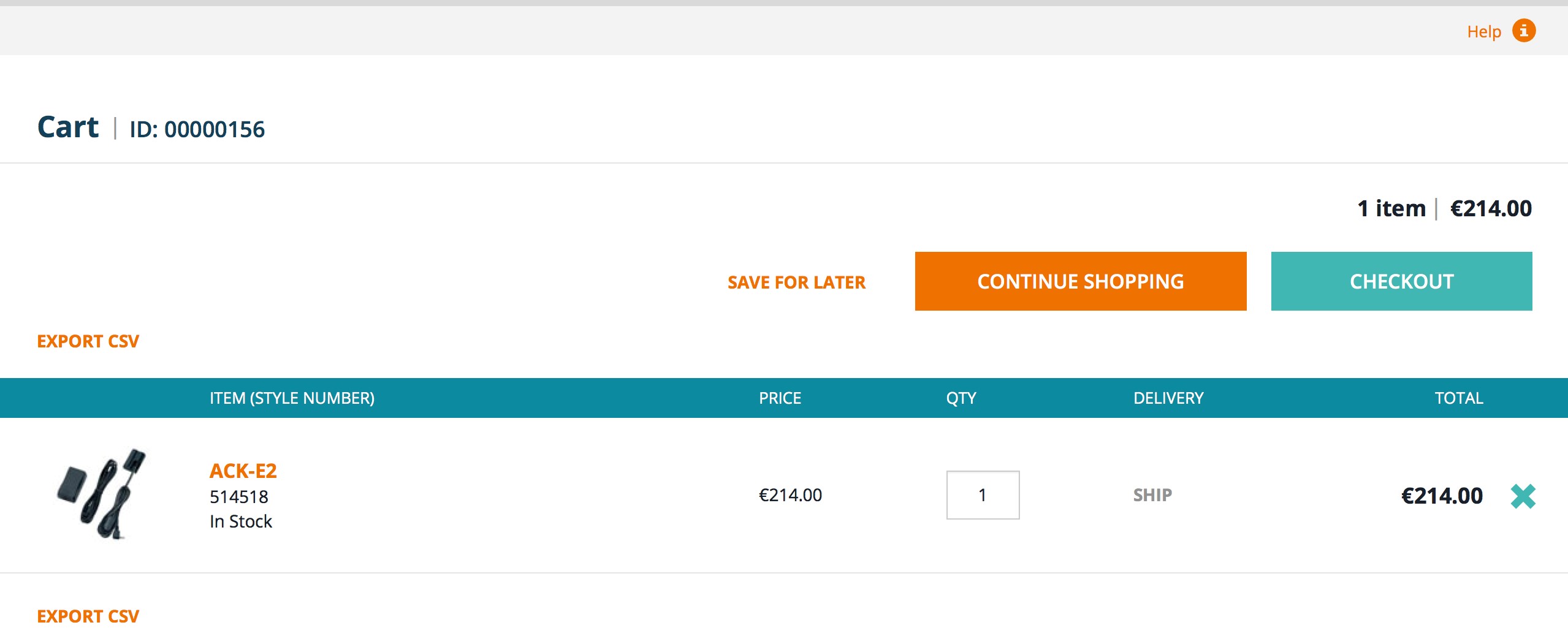
A forbidden message is displayed on the checkout page.