

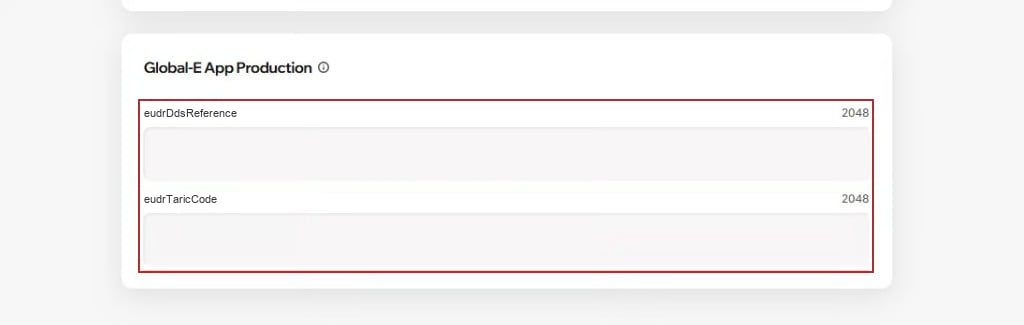
eudrDdsReference and eudrTaricCode.
Where each value goes
Adding the required data on the product page
- In your Wix dashboard, navigate to Products and open the product.
- Scroll to the Global-E App Production section at the bottom of the product page and fill in the DDS reference and the TARIC document code.
- Save the product, place a test order, and confirm both keys appear when values exist and are omitted when blank.
Key points
- Omit, don’t fake. Leave the field empty when you have no value. Never enter NA, 0 or -.
- EU PID keeps working. Barcode (GTIN) and midIdentifier are sent unchanged alongside the EUDR values.